❌ No more deleting photos, waiting forever for file transfers, or paying monthly cloud-storage fees.
A compact 2TB portable SSD that makes storing, transferring, and carrying your files faster, easier, and more convenient.

Your Files Deserve More Space
Say Goodbye to Limited Device Storage
⬇️ ⬇️ ⬇️
Photos, videos, work files, and downloads can quickly fill up your phone or computer.
Your phone may stop recording, large files may take too long to transfer, and traditional external drives can be bulky and inconvenient.
You don’t need to keep deleting important files—you need a faster and more portable storage solution.
FEATURES
⚡ HIGH-SPEED DATA TRANSFER
Quickly transfer large videos, photos, documents, and work projects with less waiting.
Transfer speeds reach up to 2000MB/s under compatible device and connection conditions.
💾 2TB LARGE-CAPACITY STORAGE
Get plenty of space for photos, videos, music, games, work files, and device backups.
Free up space on your phone or computer without deleting precious memories or important documents.
🔌 USB-C & USB-A CONNECTION
Compatible with a wide range of supported devices, including:
- Smartphones and tablets
- Laptops and desktop computers
- Android, Windows, and Mac devices
Use one portable drive to transfer files easily between different devices.
🚀 EASY PLUG & PLAY
No complicated installation required.
Simply connect the SSD, open your file manager, and copy, move, or access your files.
No Wi-Fi is required for file transfers, and there are no recurring cloud-storage fees.
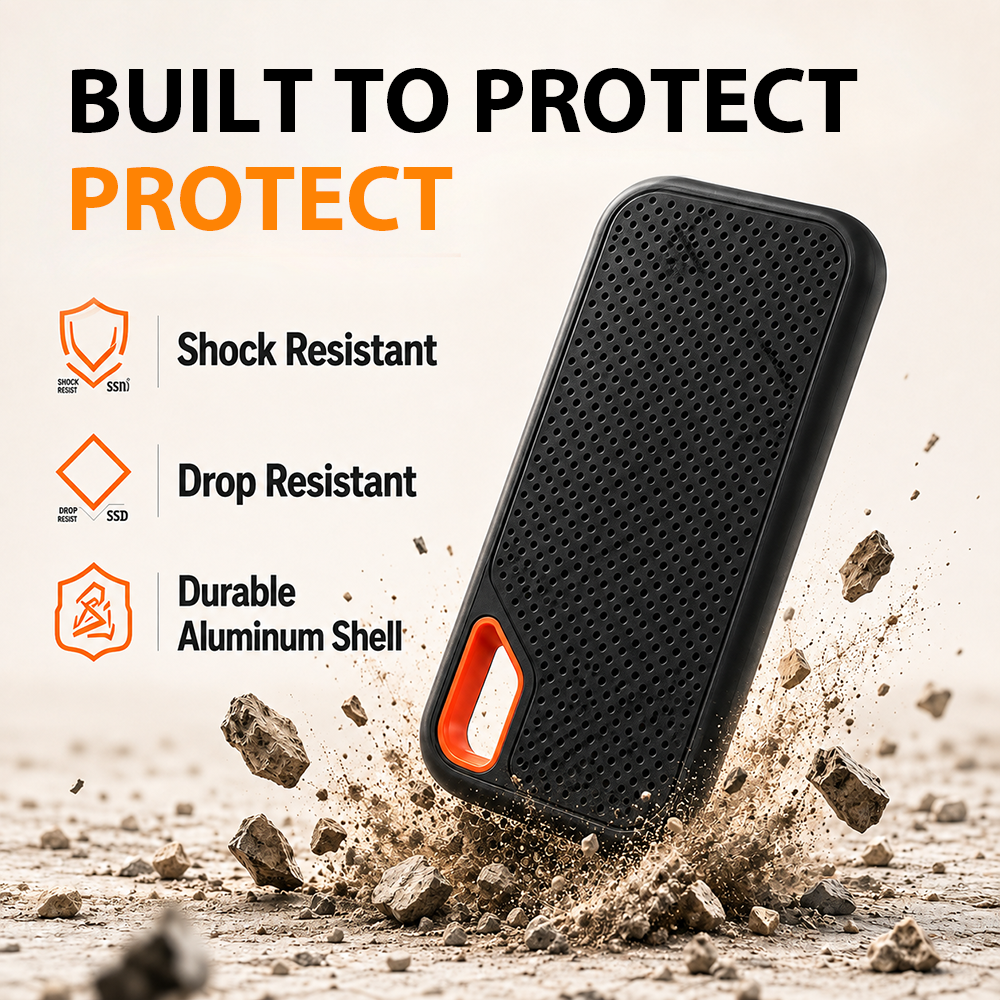
🛡️ DURABLE PROTECTIVE DESIGN
The sturdy outer shell helps reduce the impact of everyday bumps, vibrations, and knocks during transportation.
Its solid-state design has no traditional spinning disk, making it more suitable for portable and everyday use.
🎒 COMPACT & PORTABLE
The mini design fits easily inside a pocket, handbag, laptop case, or travel bag.
Take your important files with you for work, study, travel, or content creation.
PERFECT FOR MULTIPLE USES
📱 Expand Your Phone Storage
Transfer large photos and videos to create more space on your phone.
💼 Work and Business
Carry documents, presentations, and project files wherever you go.
🎥 Content Creation
Store photos, video footage, and editing projects in one portable drive.
✈️ Travel Backup
Back up travel photos and videos without relying on an internet connection.
SPECIFICATIONS
Product Type: Portable External Solid-State Drive
Storage Capacity: 2TB
Connection Type: USB-C and USB-A
Maximum Transfer Speed: Up to 2000MB/s
Compatible Systems: Supported Android, Windows, and macOS devices
Suitable Files: Photos, videos, music, documents, games, and project files
Design: Compact, lightweight, and portable
Package Includes:
1 × 2TB Type-C Portable Mini SSD
Connection accessories based on the selected package